




Sitemap Validator - SEO Tools

Sitemap Validator

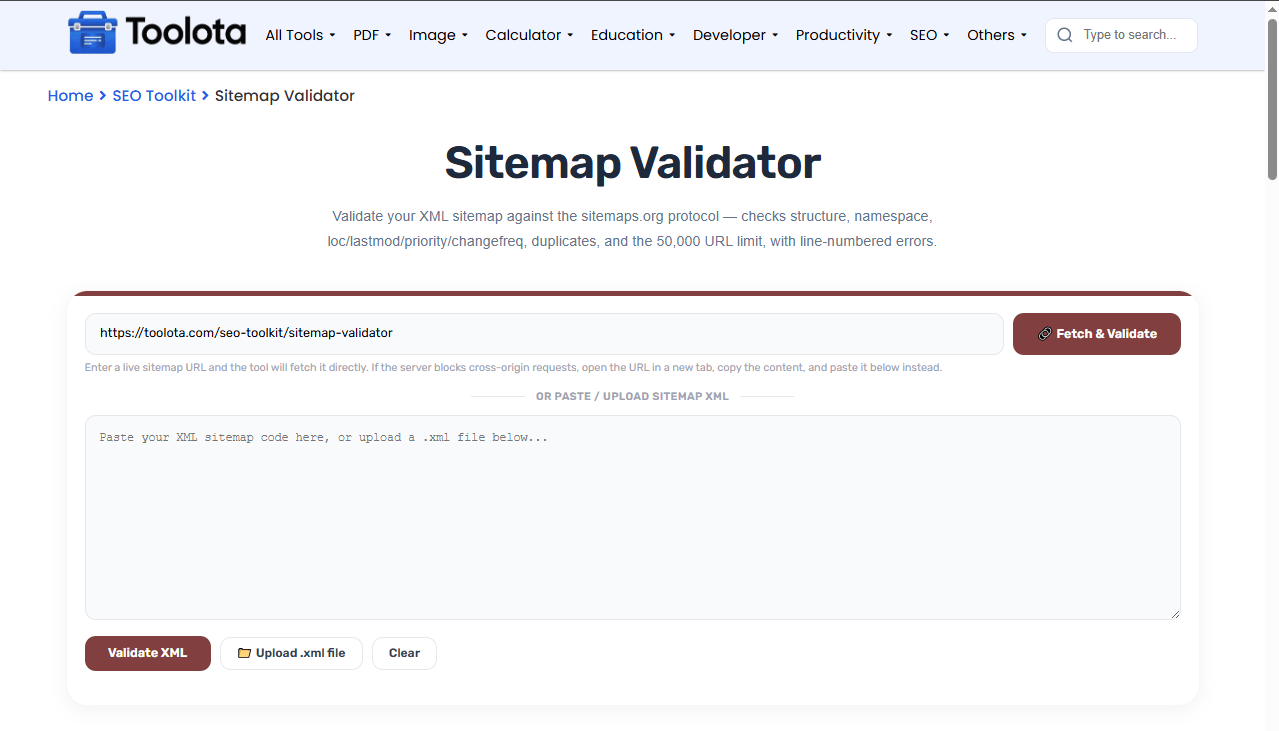
Validate your XML sitemap against the sitemaps.org protocol — checks structure, namespace, loc/lastmod/priority/changefreq, duplicates, and the 50,000 URL limit, with line-numbered errors.

Enter a live sitemap URL and the tool will fetch it directly. If the server blocks cross-origin requests, open the URL in a new tab, copy the content, and paste it below instead.

or paste / upload sitemap XML

Other Tools

Sitemap Validator | Check Your Sitemap Structure

Sitemap Validator checks your XML sitemap against the official sitemaps .org protocol to catch errors before search engines try to read it. This tool scans for missing tags, incorrect namespace declarations, duplicate URLs, invalid changefreq values, and priority ranges outside 0.0–1.0. You can paste XML directly, upload a .xml file, or fetch a live sitemap URL. A sitemap validation tool like this helps you spot issues early, so Google and other search engines can crawl your content without hitting roadblocks. Validating your sitemap online helps you confirm that your URL structure follows search engine standards, whether you run a small blog or a large e-commerce site.

Every Check This Tool Runs on Your XML File

  • Fetch sitemap directly from any live URL

  • Paste raw XML content into the text area

  • Upload .xml files from your device

  • Validate against sitemaps.org protocol standards

  • Check namespace declarations and root element structure

  • Detect duplicate <loc> URLs across entries

  • Validate <lastmod> dates against W3C datetime format

  • Check <changefreq> values against allowed options

  • Verify <priority> values stay within 0.0–1.0 range

  • Enforce the 50,000 URL limit for standard sitemaps

  • Show line numbers for every detected issue

  • Categorize problems as errors or warnings

  • Display stats for entries, errors, warnings, and duplicates

  • Download complete validation report as .txt file

Sitemap Validator Toolota

Test Your Sitemap File in Five Simple Steps (

1

Enter a live sitemap URL

Type or paste your sitemap address and click "Fetch & Validate" to pull the file directly.

2

Paste your XML code

Copy the full sitemap content into the text area for manual validation.

3

Upload an XML file

Click the file upload button and select a .xml file from your computer.

4

Run the validation

Hit "Validate XML" to start the scan against protocol standards.

5

Review the results

Check the status box, stats grid, and issue list for errors, warnings, and duplicates.

“Can I validate a sitemap without uploading a file?” Yes — just paste your XML directly into the text area or enter a live URL to fetch it automatically.

What Makes Sitemap Checking Quick and Clear

⚡ Fast Fetching

Enter any sitemap URL and the tool tries to fetch it directly. If the server blocks the request, paste the XML into the text area instead.

📊 Comprehensive Stats

See entries count, error totals, warning counts, and duplicate URLs at a glance — everything you need to assess sitemap health quickly.

📥 Downloadable Reports

Save your validation results as a .txt file for documentation, team sharing, or troubleshooting records.

🔍 Line-Numbered Errors

Every issue shows the exact line number where it appears in your XML, making it easy to locate and fix problems in your sitemap file.

📁 Multiple Input Methods

Paste XML, upload a .xml file, or fetch from a live URL — three ways to validate your sitemap based on what's most convenient.

🛡️ Protocol-First Validation

Checks namespace, root element, tag requirements, and value ranges exactly as defined in the sitemaps.org standard.

Pro Tips

Once your sitemap passes validation, generate a fresh version anytime with the XML Sitemap Generator.

If crawling issues persist, check your XML Sitemap Generator setup to make sure you’re not accidentally blocking the pages in your sitemap.

After fixing validation errors, confirm your fix worked by previewing how key pages appear with the SERP Snippet Preview.

This tool checks compliance with the official sitemap protocol, the shared specification that Google, Bing, and other search engines rely on to read sitemap files consistently.

What Your Validation Results Actually Mean

Your results show how your sitemap complies with the XML sitemap protocol and highlight issues that may affect processing. The status box gives a quick pass or fail, but the real insight comes from the stats grid and issue list. Critical errors — like missing <loc> tags or incorrect namespace — will block search engines from processing your file. Warnings flag issues like invalid priority values or non-standard changefreq entries that might still work but aren’t ideal. Duplicate URLs don’t break your sitemap, but they waste crawl budget and confuse search engines about which page version to index. Every issue comes with a line number, so you can jump straight to the problem and fix it fast.


Frequently Asked Questions
What does a sitemap validator check for?

It checks for protocol compliance including namespace, root element, required tags, valid date formats, and value ranges for changefreq and priority.

Open your sitemap and add a <loc> tag inside each <url> entry containing the full page URL.

You can validate without uploading a file: paste your XML directly or enter a live URL to fetch it.

The validator flags duplicates as warnings — search engines may still process your sitemap but duplicate entries are not recommended.

Yes — standard sitemaps cannot exceed 50,000 URLs. The validator will flag an error if your sitemap exceeds this limit.

After validation, click the “Download Report” button to save a .txt file with all issues listed by line number.
