Image Tool Kit
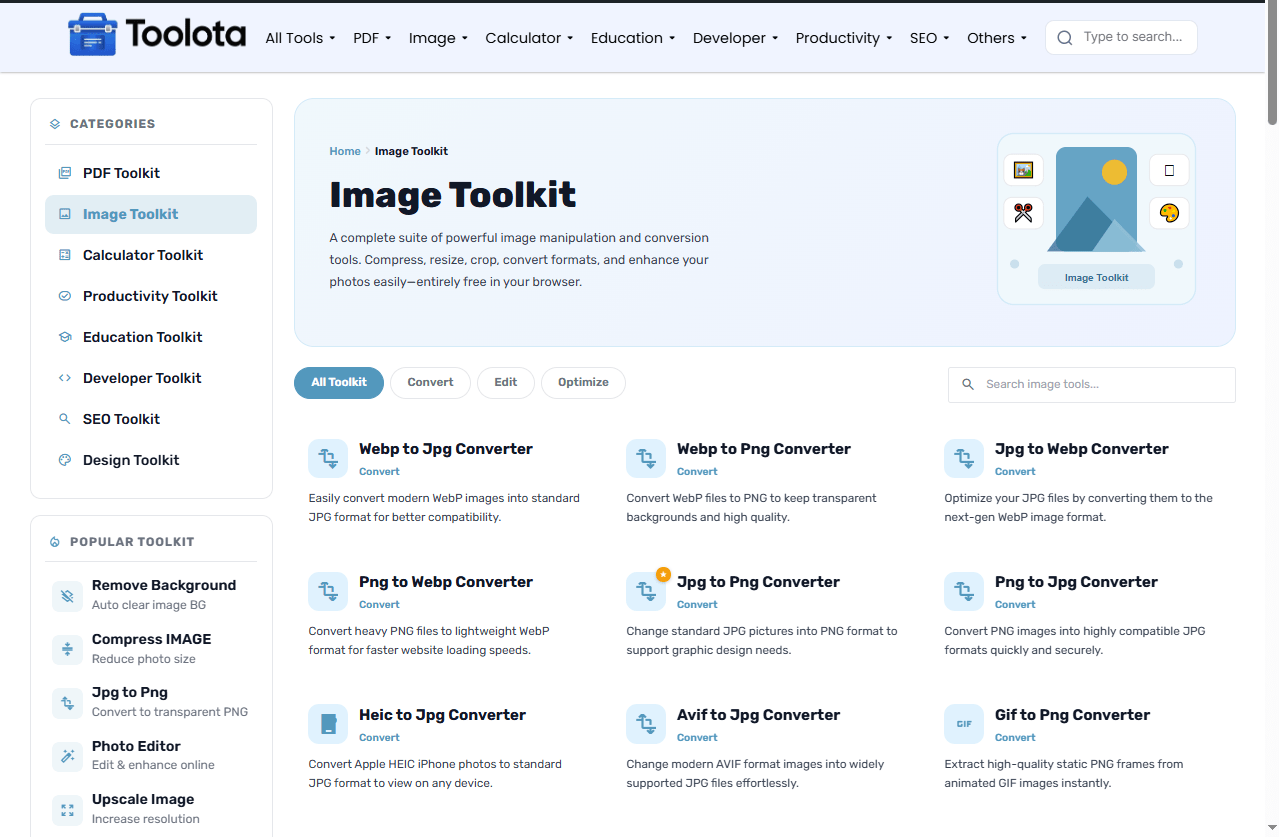
A complete suite of powerful image manipulation and conversion tools. Compress, resize, crop, convert formats, and enhance your photos easily—entirely free in your browser.
No tools found matching your search.

A complete suite of powerful image manipulation and conversion tools. Compress, resize, crop, convert formats, and enhance your photos easily—entirely free in your browser.
No tools found matching your search.

Editing and converting images shouldn’t require expensive software or massive downloads. This hub gives you instant access to free online image tools that handle everything from quick format conversions to background removal and compression. Whether you’re on a Mac, Windows, or Chromebook, just upload your file and get to work right here in your browser.
Navigating a large set of free online image tools can feel overwhelming, but the process is just three quick steps.
Step 1: Find Your Tool Use the search bar above if you know exactly what you need (e.g., “Compress”) or click the category pills like Convert, Edit, or Optimize to browse options.
Step 2: Upload Your File Click the tool card to navigate to its dedicated page. Once there, drag and drop your image onto the designated area. Your file never leaves your control — files are deleted immediately after processing.
Step 3: Download and Done Wait a few seconds for the tool to process, then hit “Download.” No email verification, no watermark, and no software to uninstall
Our tools process files locally or over a secure connection with no strings attached, unlike other sites that require registration or charge a fee for high-quality output. This is what you may do right now:
Convert with Accuracy: Switch between formats like JPG, PNG, WebP, AVIF, HEIC, and SVG without losing quality. Need to extract images from a PDF or turn your photos into a PDF document? That’s covered too.
Edit with Ease: Rotate, crop, and remove backgrounds from your photos in seconds. No Photoshop required — these free online image tools act like a lightweight browser-based editor.
Optimize for the Web: Lower the file size of images by compressing them without any obvious decrease in quality. For websites, print, or social media, resize photographs to precise pixel sizes.
While the majority of computers include a simple picture viewer, they lack the ability to do in-depth file conversion or editing. Millions of consumers are switching to online suites like Toolota for the following reasons:
No Installation Headaches: Skip the bloated desktop software. These free online image tools run entirely in your web browser.
Cross-Platform Compatibility: Windows, Mac, Linux, or even iPadOS — if you have a browser, you have a full-featured image editing studio.
Instant Updates: We continuously improve processing speed and the interface. You always get the latest version automatically, without downloading patches.
Privacy First: We understand the importance of file security. Images are encrypted during transfer and permanently wiped from our servers within 60 minutes of processing.
Pro Tips for Better Image Management
Check Output Before Sharing: After converting or compressing, always open the downloaded file before sending it. Confirm the quality meets your needs, especially for print or professional use.
Use WebP for Web Projects: If you’re building a website, convert JPG or PNG files to WebP. It delivers the same visual quality at a fraction of the file size, improving page load speed.
HEIC Users on iPhone: Apple devices save photos in HEIC format by default. Use the HEIC-to-JPG or HEIC-to-PNG tool before sharing with non-Apple users to avoid compatibility issues.
Yes. Every single tool in this collection is free to use. There are no hidden paywalls, premium tiers, or forced sign-ups required to download your finished file.
Yes. Your files are transferred over an encrypted connection and permanently deleted from our servers shortly after processing. We do not store, share, or analyze your images.
No. Everything runs directly in your browser. There is nothing to download or install on your device.
Yes. The entire Image Tool Kit is fully responsive and works on Android, iPhone, iPad, and any device with a modern browser.
Some format conversions involve compression by design (e.g., PNG to JPG removes transparency and applies lossy compression). If you need lossless output, choose a format that supports it, such as PNG or WebP lossless.
Toolota is your all-in-one online tools platform. Fast, simple, and free utilities designed to make everyday digital tasks easier and smarter.