
Recent Tools
No tools found matching your search.
↑↓ Navigate
←→ Category
↵ Select
esc Close
Turn a CSV list of events into an iCalendar (.ics) file you can import into Google Calendar, Outlook, or Apple Calendar.
CSV to iCal lets you turn event spreadsheets into calendar-ready ICS files in seconds. Instead of typing each date and time manually, you upload your CSV file, customize a few options, and download a calendar file that works with Google Calendar, Outlook, and Apple Calendar. Whether you have a list of meetings, holidays, or scheduled events, this tool handles the heavy lifting of date parsing and formatting so you can focus on your schedule. It’s the simplest way to convert csv to ics without complex software.
Drag-and-drop file upload or click to select CSV files
Single CSV processing – select and convert your event spreadsheet directly into an ICS calendar file.
Default reminder selector (from “At time of event” to “1 day before”)
Sample CSV template download to see correct formatting
Automatic detection of event fields like Title, Start/End, Location, and Description
Flexible date and time parsing with timezone support
All-day event handling with the “All Day” column
Direct ICS file download – save your generated .ics calendar file with a single click.
One-click calendar export – package all your spreadsheet events directly into a ready-to-import calendar file.
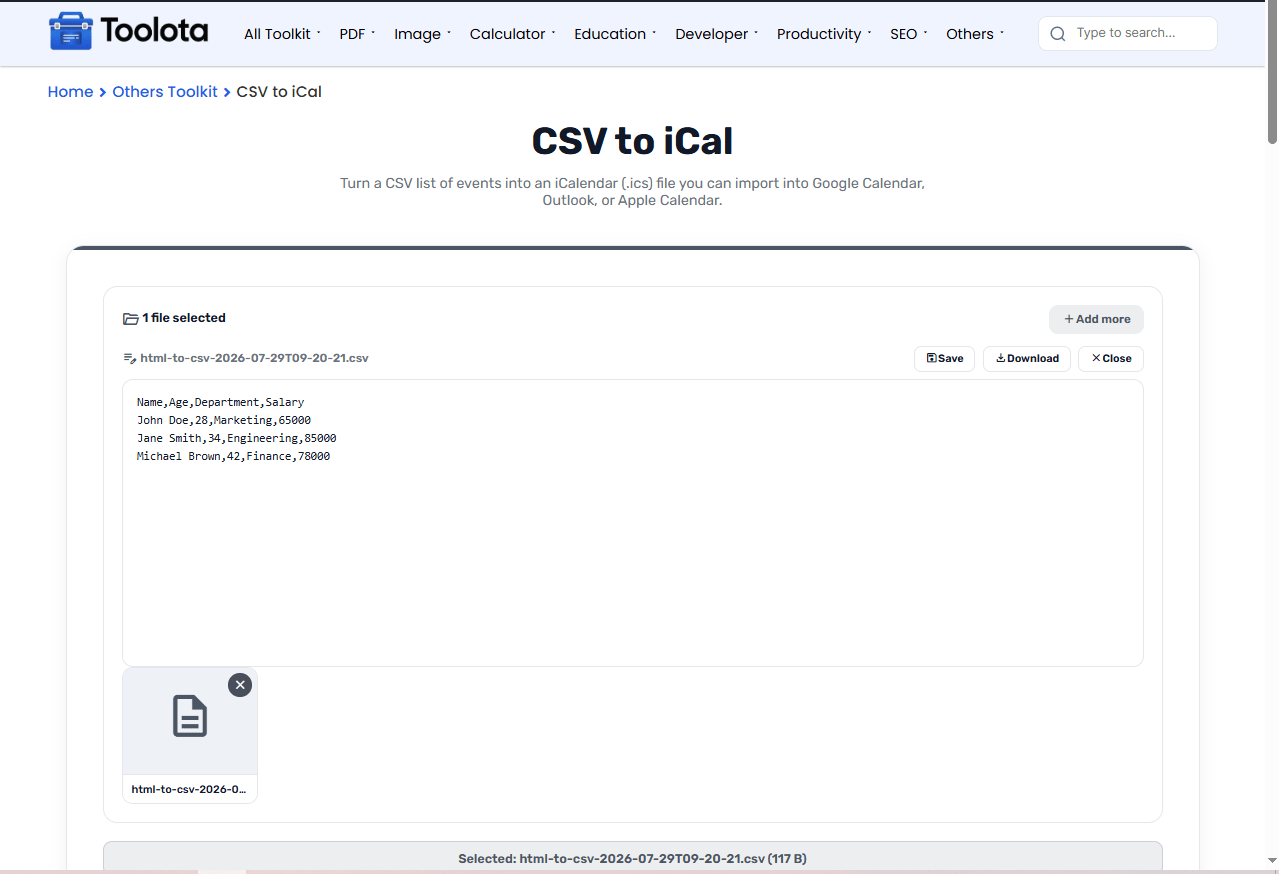

click the upload area or drag your event spreadsheet directly into the drop zone.

select your default reminder time from the dropdown, and add a Timezone column to your CSV if your events need one.

Press "Convert to iCal" and wait a moment while the tool processes your data.

click the download link to save your generated .ics calendar file immediately.
Drag your event spreadsheet into the box, pick a reminder, and download your calendar file.
Convert entire spreadsheets containing dozens or hundreds of event rows into a single structured .ics file without manual entry
Add default alarms directly during conversion with the reminder dropdown. Choose from options like 15 minutes, 1 hour, or even a day before each event.
Download your converted .ics file as soon as the conversion finishes.
Supports multiple date formats (ISO, US, EU) and time zones. The tool automatically interprets your dates so you don't have to reformat your spreadsheet.
Retains event titles, locations, descriptions, and all-day markers accurately inside your converted calendar file.
After converting calendar event rows into ICS files, manage client address books and contact spreadsheets using the CSV to vCard converter.
Calculate work schedule hours and calculate total pay prior to setting shift events using the salary calculator online.
Ensure event titles, locations, and descriptions are properly capitalized before exporting by testing text with the case converter.
Adhering strictly to the iCalendar specification standard ensures seamless synchronization across Google Calendar, Apple Calendar, and Outlook.
The ICS file generated by this tool contains everything from your CSV: event titles, start and end times, locations, descriptions, and any reminders you selected. The tool automatically distinguishes between all-day events and timed events based on your data. It also handles timezone declarations so your events appear at the correct time when imported, no matter which calendar app you use. The result is a clean, import-ready calendar file that preserves every detail from your original spreadsheet.
It converts spreadsheet data into calendar files so you can batch import events calendar into apps like Google Calendar, Outlook, or Apple Calendar.
Yes, the tool includes a Timezone column where you can specify the time zone for each event in your CSV.
Use the sample template. It includes Title, Start Date/Time, End, Location, Description, All Day, Timezone, Reminder, and Recurrence columns.
Yes, use the “Default reminder” dropdown to apply a reminder to every event in your file.
Enter the date in the Start Date column, leave the time columns empty, and mark the “All Day” column as TRUE.
Open Google Calendar, go to Settings > Import & Export, select your downloaded .ics file, choose the destination calendar, and click Import.
Toolota is your all-in-one online tools platform. Fast, simple, and free utilities designed to make everyday digital tasks easier and smarter.
