Image Tools
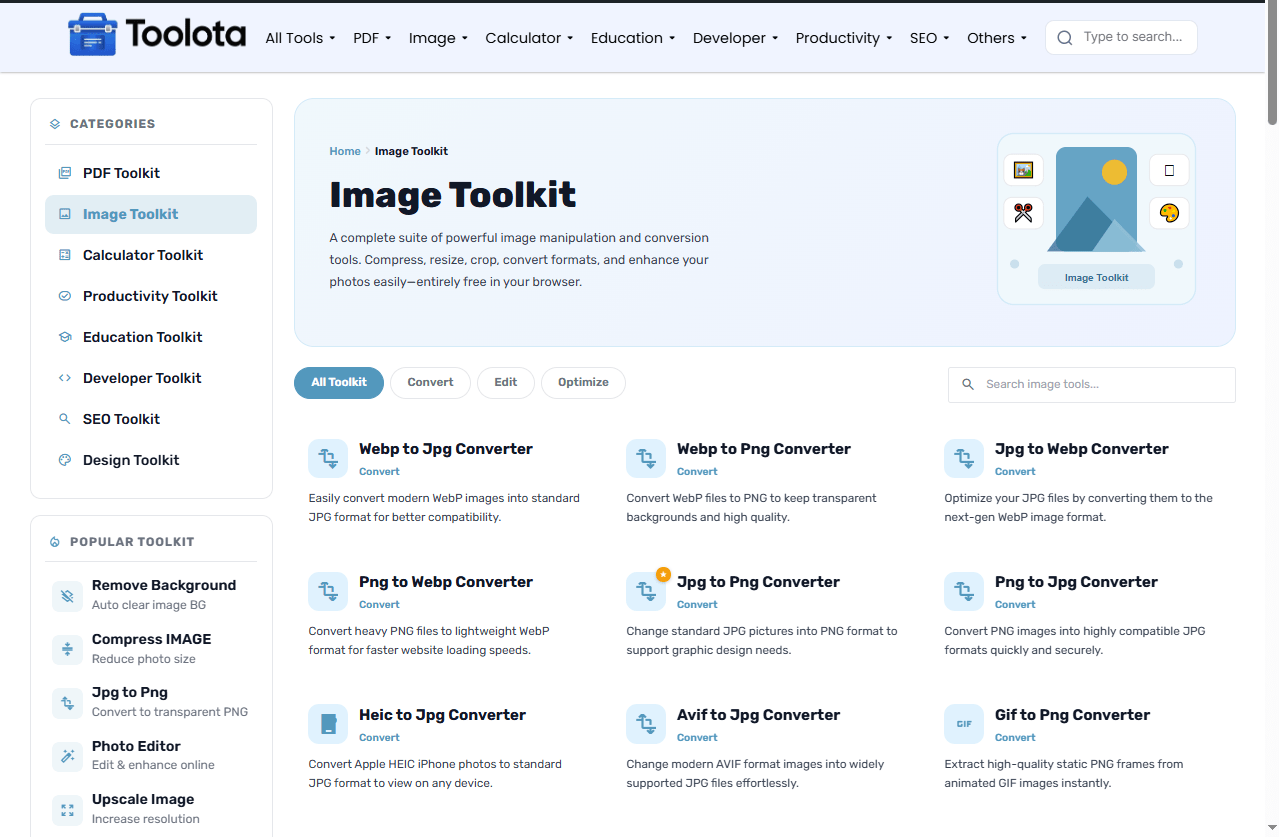
A complete suite of powerful image manipulation and conversion tools. Compress, resize, crop, convert formats, and enhance your photos easily—entirely free in your browser.
No tools found matching your search.

A complete suite of powerful image manipulation and conversion tools. Compress, resize, crop, convert formats, and enhance your photos easily—entirely free in your browser.
No tools found matching your search.

Tired of downloading bulky software or uploading your private photos to unknown servers? You’re in the right place. Our free image tools let you edit, convert, and optimize images directly in your browser — completely private, lightning fast, and no signup required.
What Makes Our Free Image Tools Stand Out-
✅ 100% Browser-Based – No uploads, no servers. Your images never leave your device.
✅ Privacy First – Zero data collection. Perfect for sensitive or personal photos.
✅ Multiple Formats Supported – JPG, PNG, WebP, GIF, BMP, TIFF, and more.
✅ Batch Processing – Convert or compress multiple images at once.
✅ Lossless Compression – Reduce file size by up to 80% without visible quality loss.
✅ Real-Time Preview – See changes instantly before downloading.
✅ No Size Limits – Handle large images up to 50MB without crashing.
✅ Works Offline – Once loaded, you can disconnect from the internet.

Get Started in 3 Simple Steps
Step 1: Frist Upload Your Image
Click the upload area or drag & drop any image file (JPG, PNG, WebP, GIF, etc.). The tool supports up to 50MB per file.
Step 2: Choose Your Action
Select what you want to do:
Convert – Change your format (e.g., PNG to JPG, WebP to PNG)
Compress – Reduce file size while maintaining quality
Resize – Set custom width/height or percentage
Rotate/Flip – Adjust orientation
Crop – Select a custom area
Step 3: Adjust & Download
Use the sliders and toggles to fine-tune. Click “Apply” to preview. Hit “Download” when you’re satisfied. That’s it — no watermarks, no email required.
Most online image tools force you to upload files to their servers — a serious privacy risk if you’re working with personal photos, scanned documents, or confidential designs. Our approach is different.
Because everything runs locally in your browser, you get:
Instant processing – No waiting for uploads or downloads
Complete privacy – No one sees your images, ever
Unlimited use – No daily quotas or premium tiers
Cross-platform – Works on Windows, Mac, Linux, Chromebook, and mobile
Whether you’re a blogger compressing screenshots, a developer converting assets to WebP, or just someone who needs to resize a photo for a form — this tool does it all, for free, right now.
Pro Tips: Get the Best Results Every Time
Batch converting screenshots – Save as PNG if you need sharp text. Use JPG at 80% quality for photos.
Yes, completely free. No premium upsells, no hidden fees, no credit card required.
Never. All processing happens inside your browser. Your files never leave your device.
JPG, PNG, WebP, GIF, BMP, TIFF, and SVG (for preview). Output formats include JPG, PNG, WebP, and BMP.
Yes. Select multiple files when uploading. The tool will process them in sequence, and you can download each result individually or as a ZIP.
You control the balance. Use the quality slider (0-100). For lossless compression, choose PNG format and set quality to 100.
Absolutely. The tool is fully responsive and works on iOS, Android, and all mobile browsers.
Check the file size (max 50MB) and format (JPG, PNG, WebP, GIF, BMP, TIFF). If the file is corrupted, try a different image.
Toolota is your all-in-one online tools platform. Fast, simple, and free utilities designed to make everyday digital tasks easier and smarter.