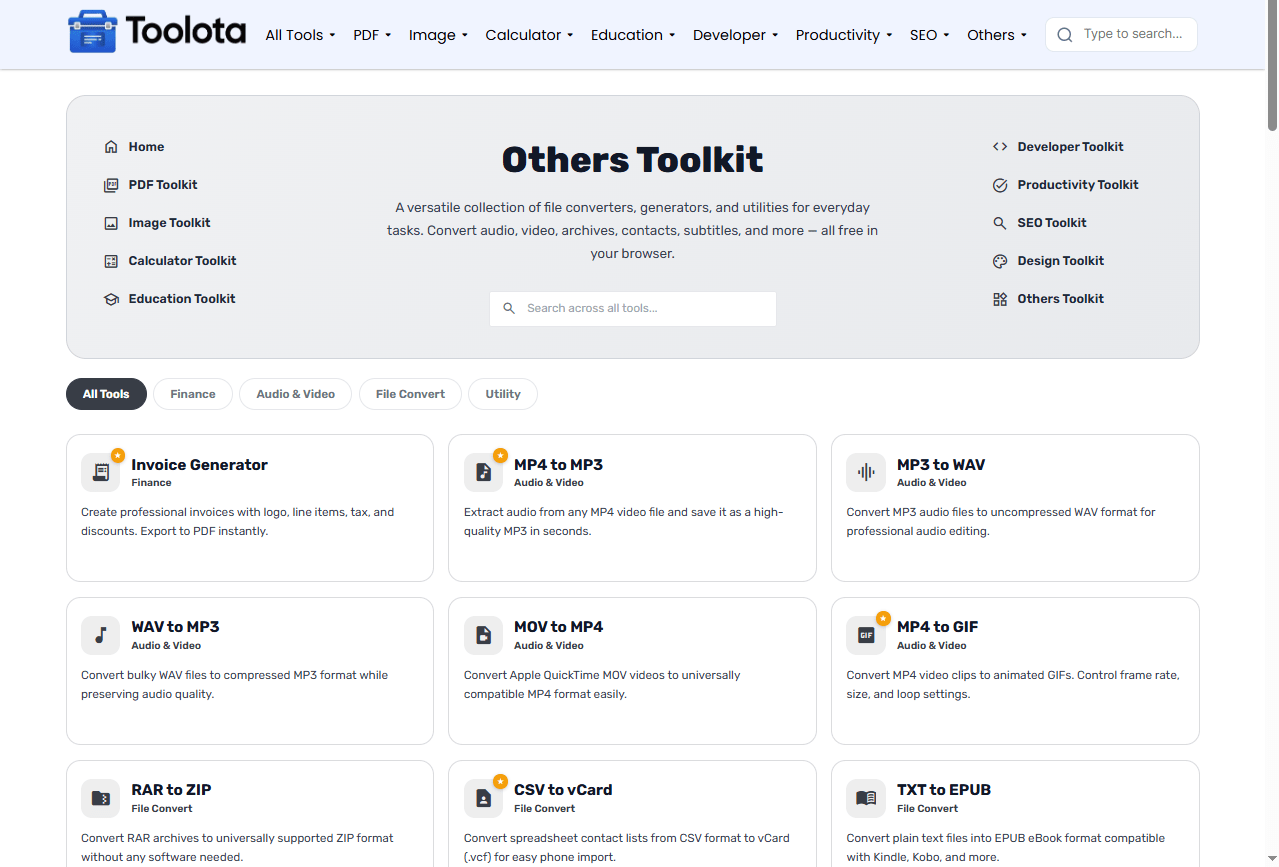
Others Toolkit
A versatile collection of file converters, generators, and utilities for everyday tasks. Convert audio, video, archives, contacts, subtitles, and more — all free in your browser.
No tools found matching your search.

A versatile collection of file converters, generators, and utilities for everyday tasks. Convert audio, video, archives, contacts, subtitles, and more — all free in your browser.
No tools found matching your search.

An others toolkit brings together a versatile collection of file converters, generators, and everyday utilities — from extracting audio from videos to creating professional invoices and converting contacts. This free online collection helps you handle tasks that don’t fit into a single category, all without installing software. Whether you’re converting RAR to ZIP, generating invoices, or testing your speakers, these file converter tools run directly in your browser. There are no subscriptions or registration required; simply useful equipment for everyday usage.
Navigating a diverse collection of tools is simple with this interface. Just follow these steps:

Use the search bar if you know exactly what you need (like "invoice" or "MP3"), or click the category pills — Finance, Audio & Video, File Convert, or Utility — to browse by task type.

Each tool displays its name, category, and a short description. Click any card to open its dedicated page and start working.

Upload your file or enter your information into the provided fields. Most tools process your data instantly.

Download your converted file, generated invoice, or view your output — no email verification required.
How do I utilize this student loan calculator? Just fill in the three boxes, press the button, and your complete payment breakdown will instantly appear.
This others toolkit covers a wide range of useful tasks. Unlike other websites that charge money or limit features, every tool on this site is totally free. Here’s what you can do right now:
Invoice Generator — Create professional invoices with logo, line items, tax, and discounts. Export to PDF instantly.
MP4 to MP3 — Extract audio from any MP4 video file and save it as a high-quality MP3 in seconds.
MP3 to WAV — Convert MP3 audio files to uncompressed WAV format for professional audio editing.
WAV to MP3 — Convert bulky WAV files to compressed MP3 format while preserving audio quality.
MOV to MP4 — Convert Apple QuickTime MOV videos to universally compatible MP4 format easily.
MP4 to GIF — Convert MP4 video clips to animated GIFs. Control frame rate, size, and loop settings.
RAR to ZIP — Convert RAR archives to universally supported ZIP format without any software needed.
CSV to vCard — Convert spreadsheet contact lists from CSV format to vCard (.vcf) for easy phone import.
TXT to EPUB — Convert plain text files into EPUB eBook format compatible with Kindle, Kobo, and more.
CSV to iCal — Convert CSV event spreadsheets to iCalendar (.ics) format for Google Calendar and Outlook.
EPUB to TXT — Extract plain text content from EPUB eBook files for easy reading, editing, or archiving.
Recipe Unit Converter — Convert cooking measurements between cups, grams, ml, oz, and tablespoons instantly.
SRT to VTT — Convert SubRip (.srt) subtitle files to WebVTT (.vtt) format for HTML5 video players.
Product Image Zoom Viewer — Zoom into product images to inspect fine details up close, just like on e-commerce websites.
Speaker & Audio Tester — Test your speakers and headphones for left/right channel balance and overall sound quality.
The others toolkit gives you more than just processed files. When you convert a video to audio, you see the exact bitrate and quality settings applied. A clean PDF that is prepared for mailing will be generated once you produce an invoice. There’s no guessing involved because each tool offers straightforward feedback, letting you know precisely what happened to your file.
Audio Extraction — When converting MP4 to MP3, choose a higher bitrate (192 kbps or above) for better audio quality. The tool typically defaults to 128 kbps for balanced quality and size.
Invoice Generation — Always review your invoice details before exporting. The invoice generator lets you preview the final PDF before downloading.
Contact Conversion — When converting CSV to vCard, ensure your CSV file has the correct column headers (Name, Phone, Email, etc.) for successful contact import.
Most computers have basic tools, but they can’t convert RAR to ZIP or extract audio from video. Here’s why millions use online suites:
Skip the software downloads. These file converter tools run entirely in your web browser.
We continuously improve tools and add new features. You get the latest version automatically.
Windows, Mac, Linux, or even ChromeOS — if you have a browser, you have access to these utilities.
Your files stay private. We don't store your uploaded files or generated content.
An others toolkit is a collection of miscellaneous online tools for file conversion, audio extraction, invoice generation, and everyday utilities.
Yes. Every tool in this collection is completely free to use. No hidden paywalls or premium tiers.
Absolutely. Your files are processed securely and are not stored on our servers after conversion.
No. All tools are accessible instantly without registration or login.
Yes. The audio conversion tools handle files of various sizes, though processing time may vary based on file size and your internet connection.
The tools support common formats including MP3, WAV, and MP4, with options to convert between them.
Use the CSV to vCard tool. Upload your CSV file with the correct column headers, and the tool will generate a vCard file you can import into your phone’s contacts.
Toolota is your all-in-one online tools platform. Fast, simple, and free utilities designed to make everyday digital tasks easier and smarter.